Fort Bend Levee Improvement District #14 is happy to introduce Jyntras portal starting December 1, 2025. Residents can now self-register on the portal and get in touch with LID for the latest information.
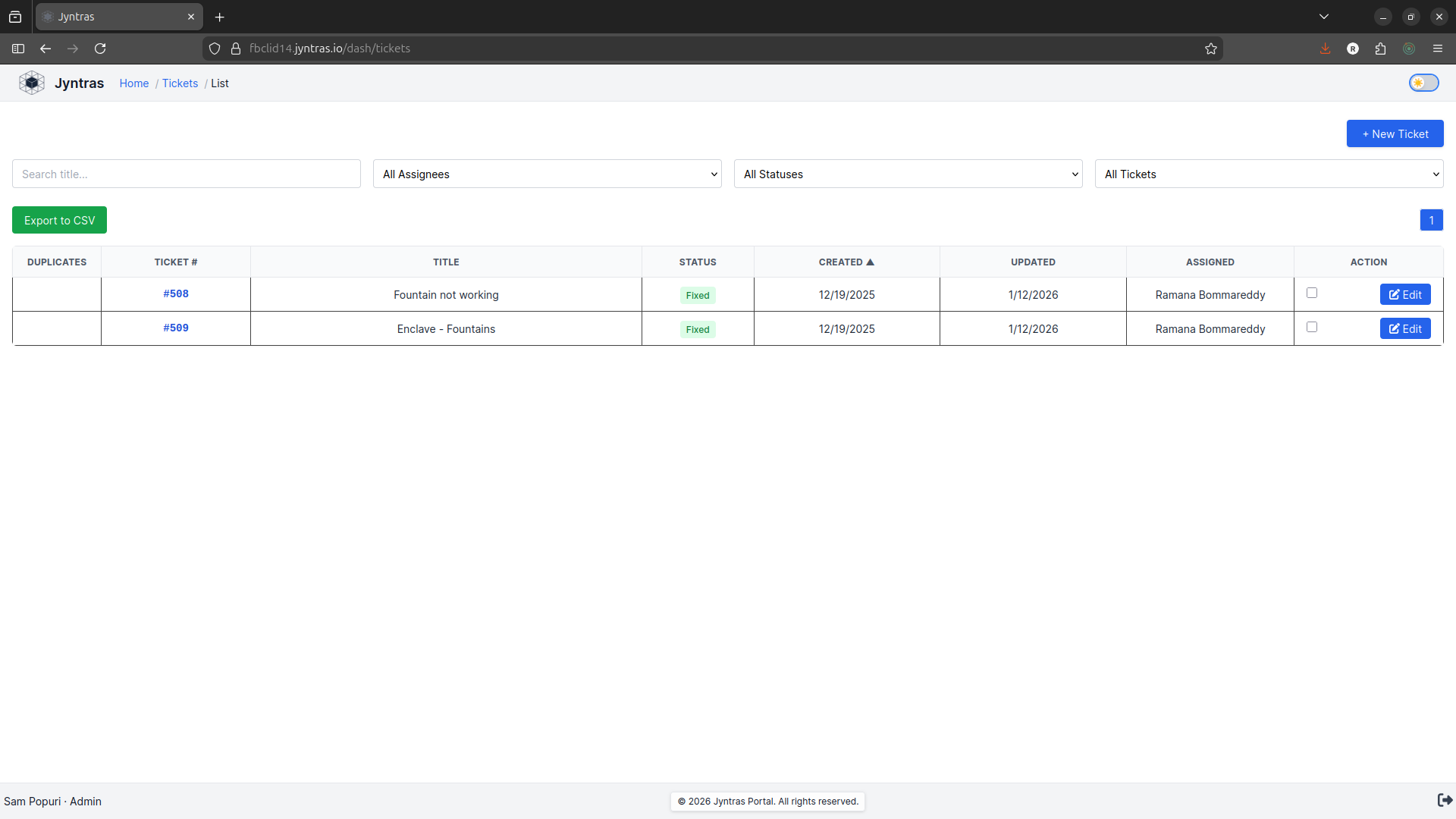
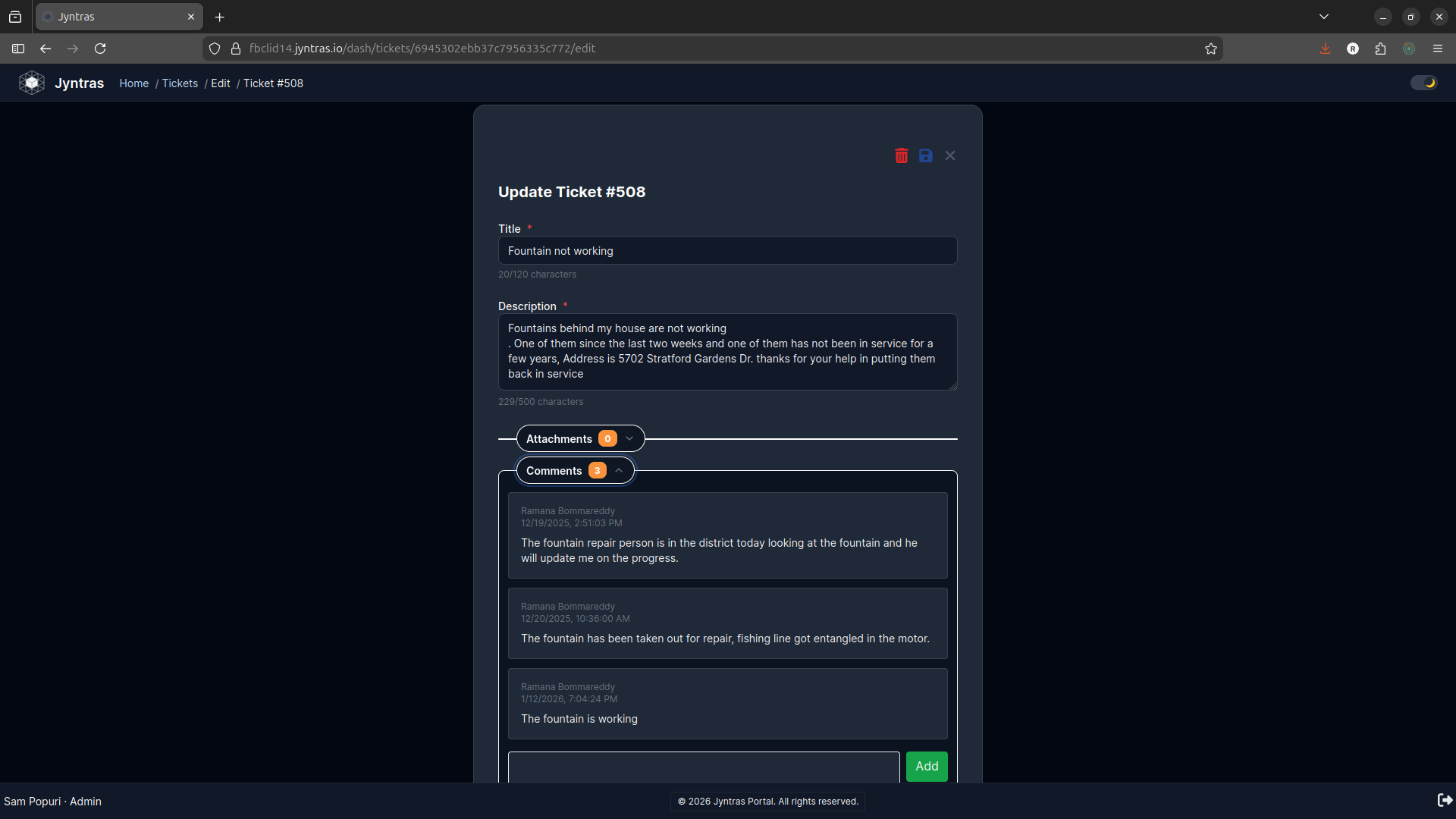
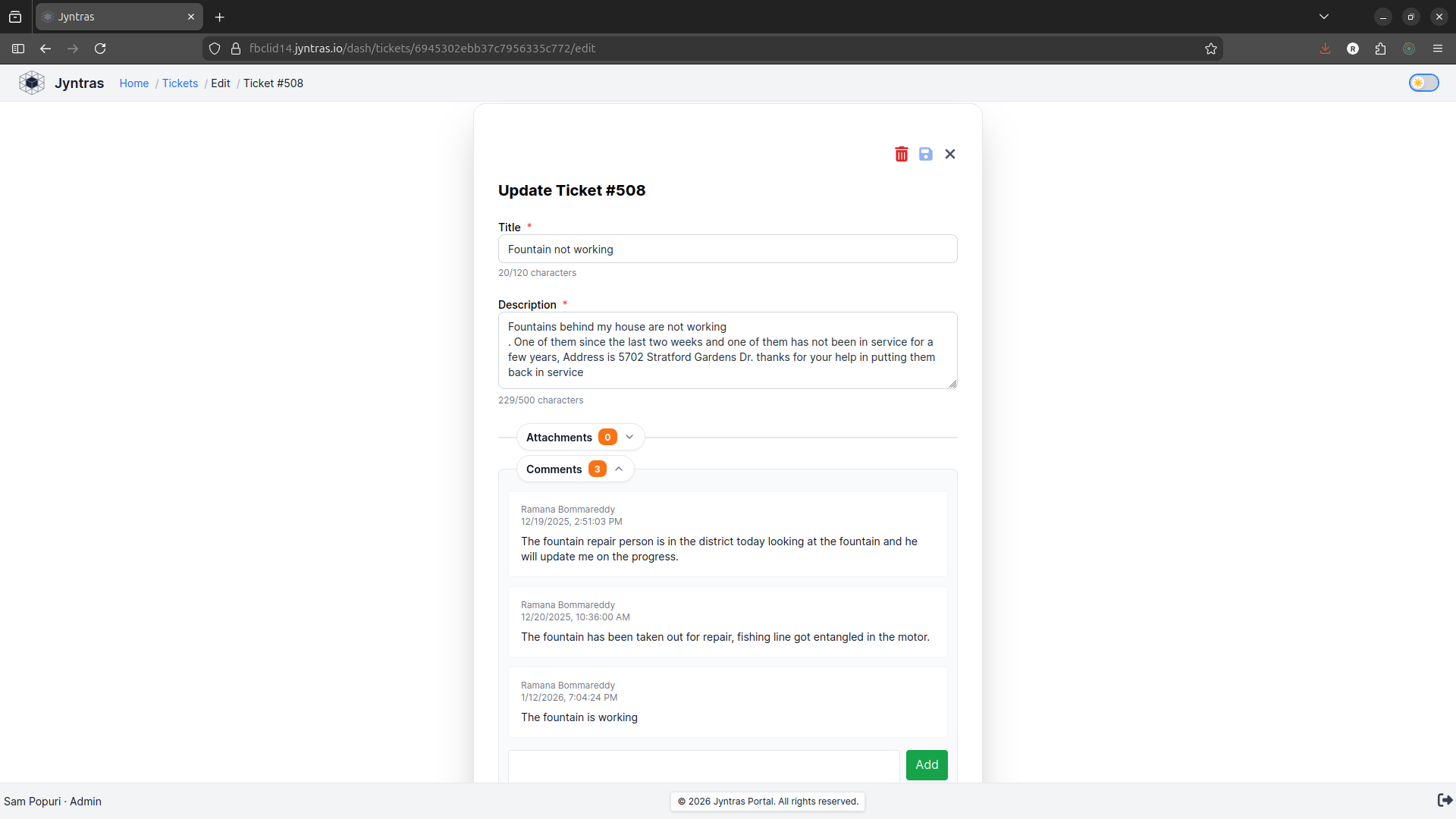
FBCLID #14 highly encourages residents to register themselves and use the portal to report all maintenance issues directly to the LID Operator. Issues reported on the portal are directly visible to the board members and will be discussed in regular board meetings.
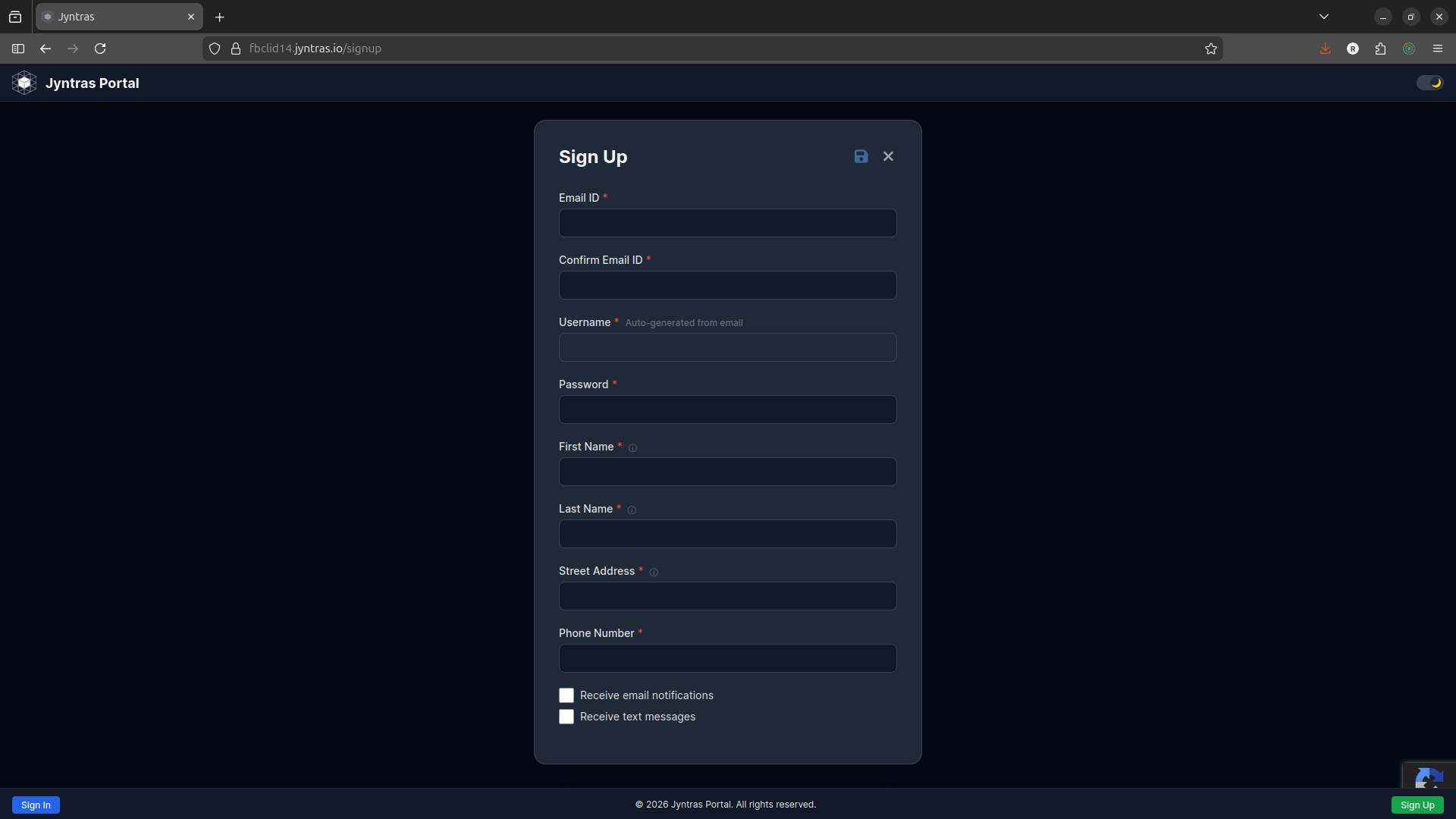
You can register yourself by clicking on the “User Registration” button and providing the required information. You will need an Email ID that is not already registered on the Juntras portal.
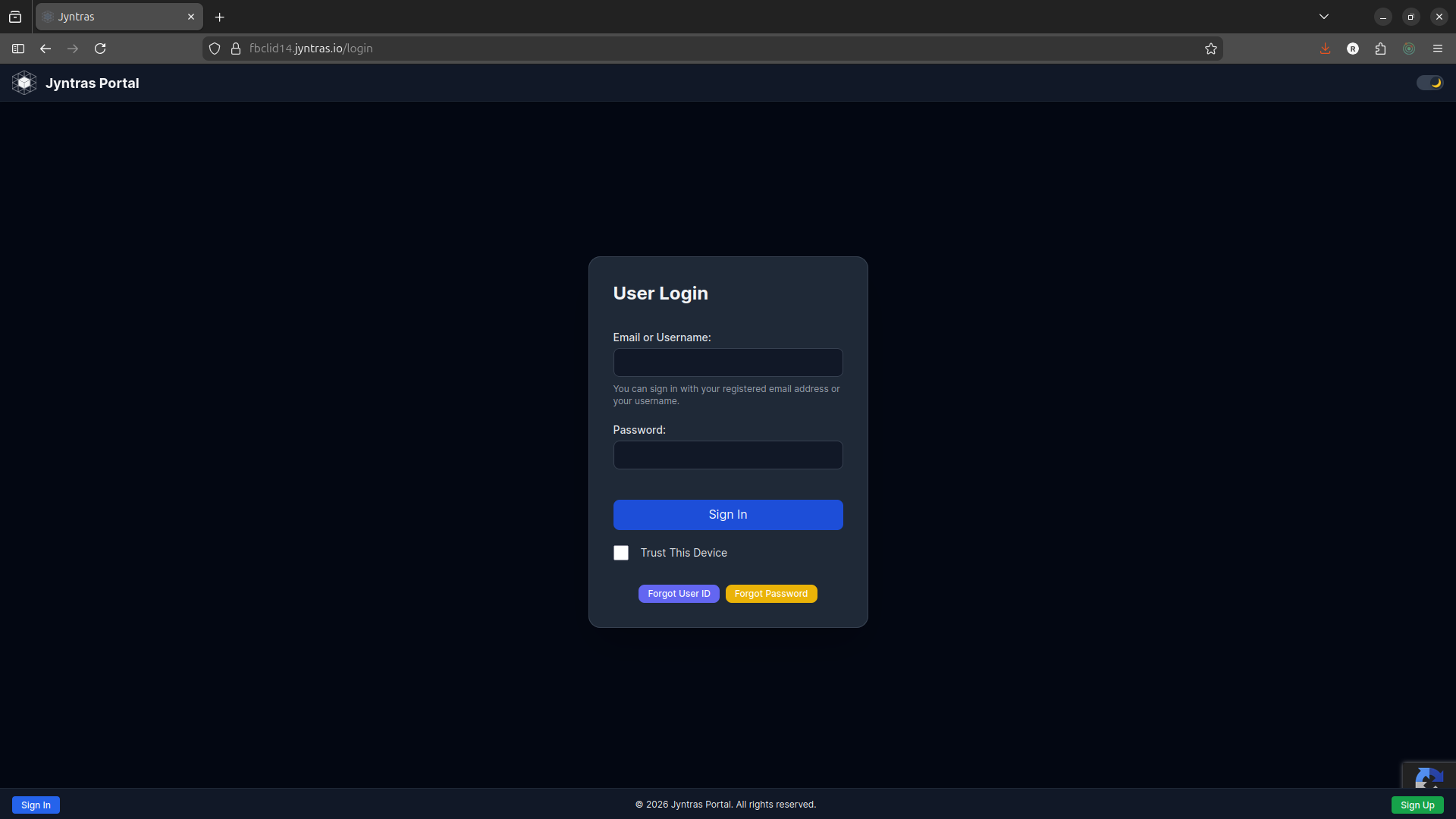
Once user registration is done and approved by the system administrator, the login process is very simple and very intuitive.
Frequently Asked Questions (FAQs)
To logon to Jyntras, you will need Jyntras User ID and password. You will need to register your email ID on Jyntras portal to receive a User ID. Click on Sign Up/ User Registration button to complete the registration process and receive User ID.
User ID is auto created when you enter your Email ID on the new user registration page. If you don’t know your User ID, you can click on “Forgot User ID” button on the Login page.
NOTE: You can also use your Email ID to logon to Jyntras portal.
User ID is auto-created when you enter your Email ID on the Sign Up (User Registration) page.
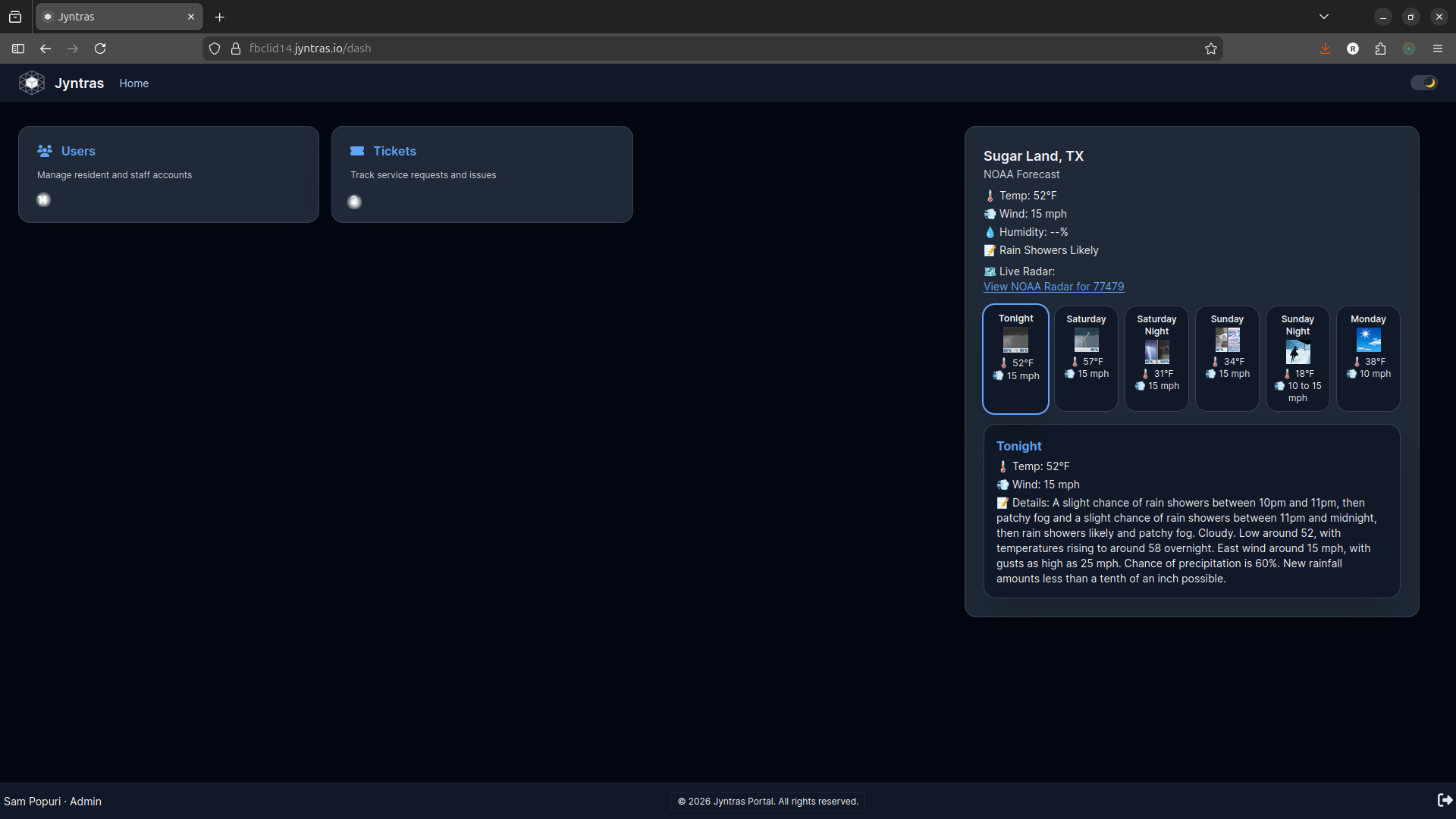
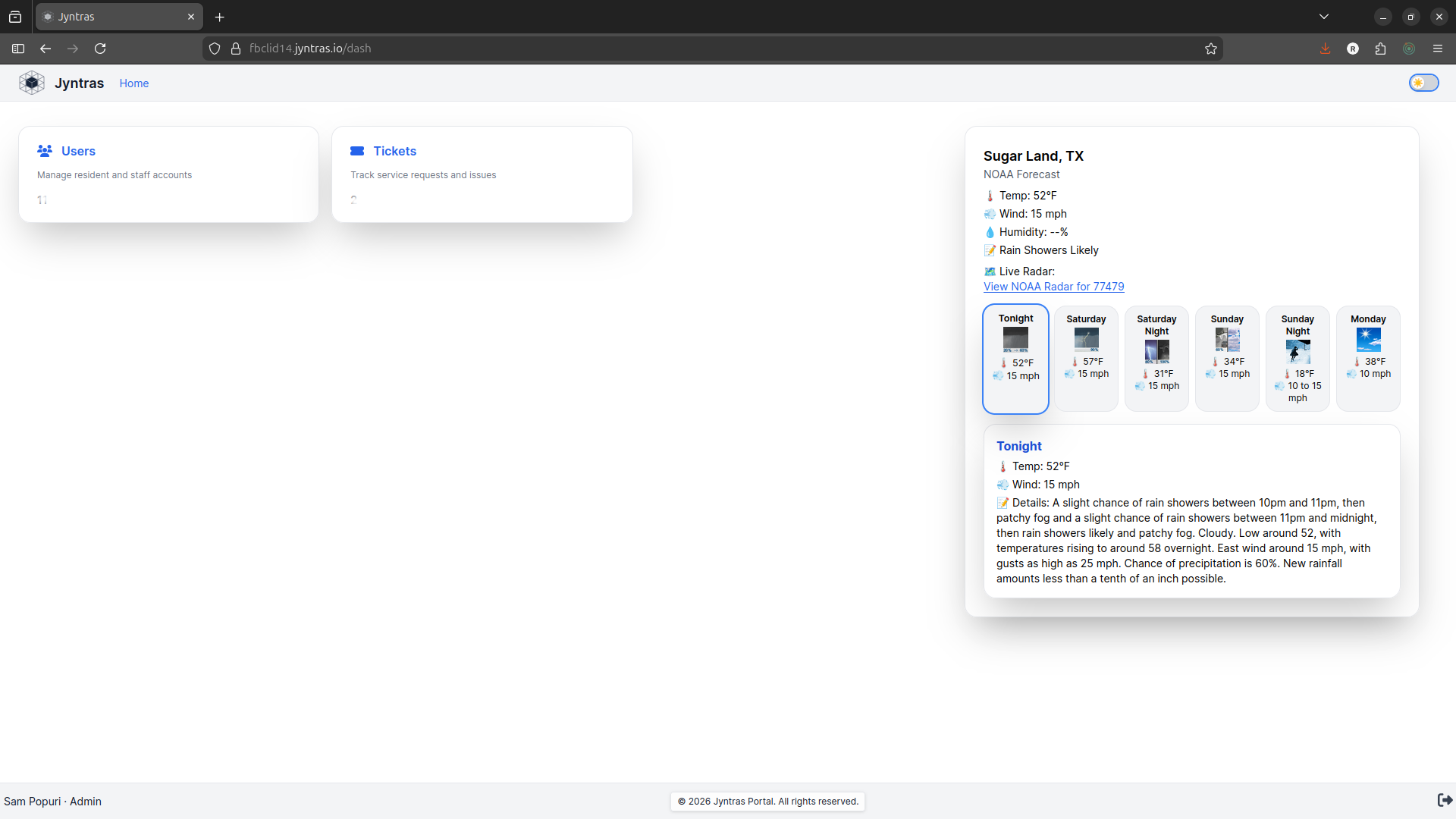
To switch between Dark and Light mode, use the Theme slider on the top-right corner of the Jyntras portal.
Note: Jyntras portal automatically sets the portal theme to either dark or light mode depending on the user system settings.
Jyntras portal is now capable to accept either User ID or Email ID. You can enter either User ID or Email ID to logon to Jyntras portal.
If you forgot your User ID, you can retrieve your User ID by clicking on “Forgot User ID” button on the Login Page.
Note: If you forgot your User ID, you can still login to Jyntras portal using your Email ID.
If you forgot your password, click on “Forgot Password” button to receive a password reset link.
You do not need to remember your User ID. If you remember your registered Email ID you can login to Jyntras portal.
User ID is auto-created by the Jyntras portal which closely matches with your Email ID. You can not choose or change your User ID.
If you want to reset your password click on “Forgot Password” button on Login page.
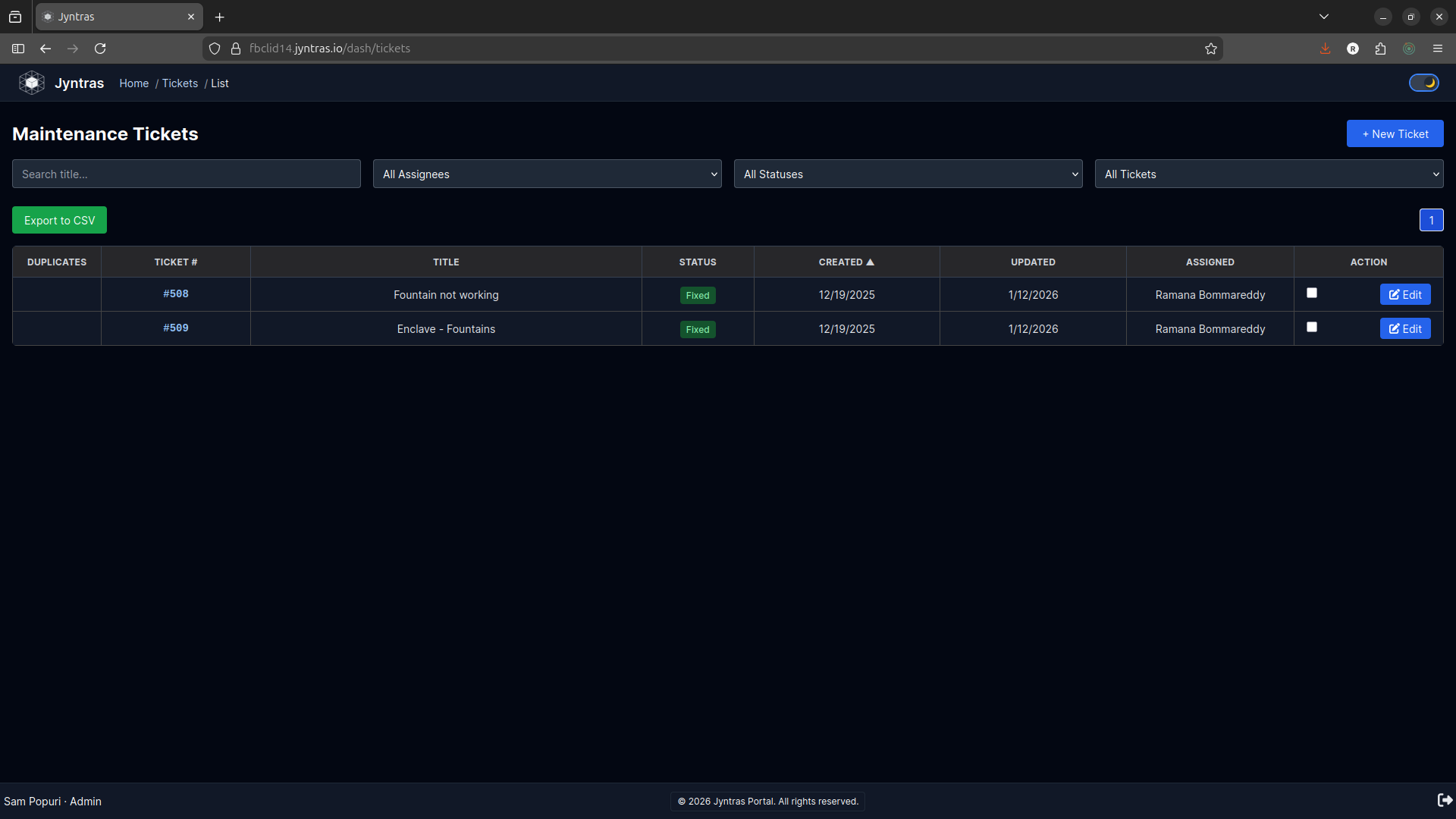
If you see any lake issue you can report the issue by logging on to Jyntras portal, click on “New Ticket” button and report the issue.
As soon as you report an issue, an email is sent to LID operator. Any time the operator updates the ticket your created, you will receive an email with the updates.
Users tile (Module) is visible based on different roles. “Resident” role will not be able to see Users tile.
Jyntras portal only displays tickets you created. If you have not created any ticket, then you will not see any ticket(s).